Google Forms, Jotform, or Registration Software: What's Best for Your Sports League?

Tim Gusweiler Last updated: October 15, 2026

Table of Contents
Sports registration software helps leagues and clubs collect athlete information, manage registration fees, track participants, and organize the administrative work that comes with running a sports program.
It’s a weeknight, registration opens soon, and you’re choosing between using a free Google Form, Jotform, and a platform built for sports. Making the form is the easy part. The real work starts when payments arrive, families have questions, and athletes need to be organized. All three can collect registration information. They differ in how much a volunteer still has to do after a family submits the form.
This article will look at all three options and compare them against features, cost, ease of use and the follow-up work needed after a registrant signups. The best option for your sports league is the one that fits how you run your season. Continue reading to learn which is the best fit for you.
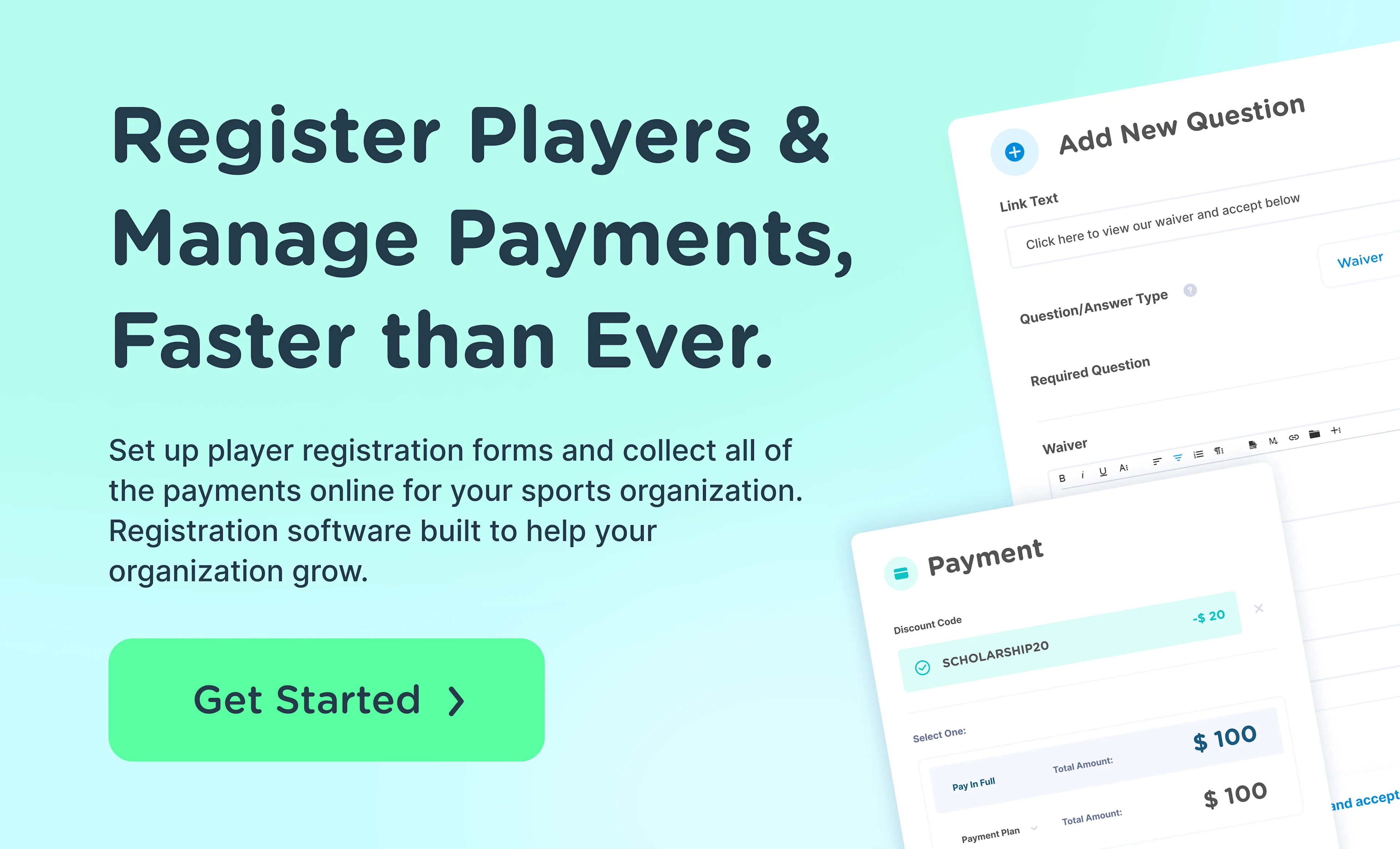
Google Forms, Jotform, and registration software compared
Google Forms and Jotform are general-purpose form builders. Sports registration software is built to manage all of the work that goes into athlete sign-ups, from payment collection to sorting into teams, not only the form.
This table highlights some of the key features and their differences between Google Forms, Jotform and sports registration software, in general.
Google Forms | Jotform | Sports registration software | |
|---|---|---|---|
Best use case | A simple registration form or sign-up sheet | A form that includes conditional questions, payments and workflows | Complete registration needs from form and payment collection to sorting into teams |
Payment collection | Not included, requires a third party add-on | Included. Monthly limits are determined by plan | Integrated and includes features like discounts, payment plans and refunds |
Participant records | A spreadsheet of responses | Submissions stored with the form | Stored with each program and contains individual athlete profiles |
Team management | Not included | Not included | Depends on the platform but many include it |
Administrative effort | Quick to create but adds effort with work after forms are collected | Higher level of form customization but other sports-specific needs aren’t included | Low. All aspects of registration are included in one place. |
Google Forms for sports registration
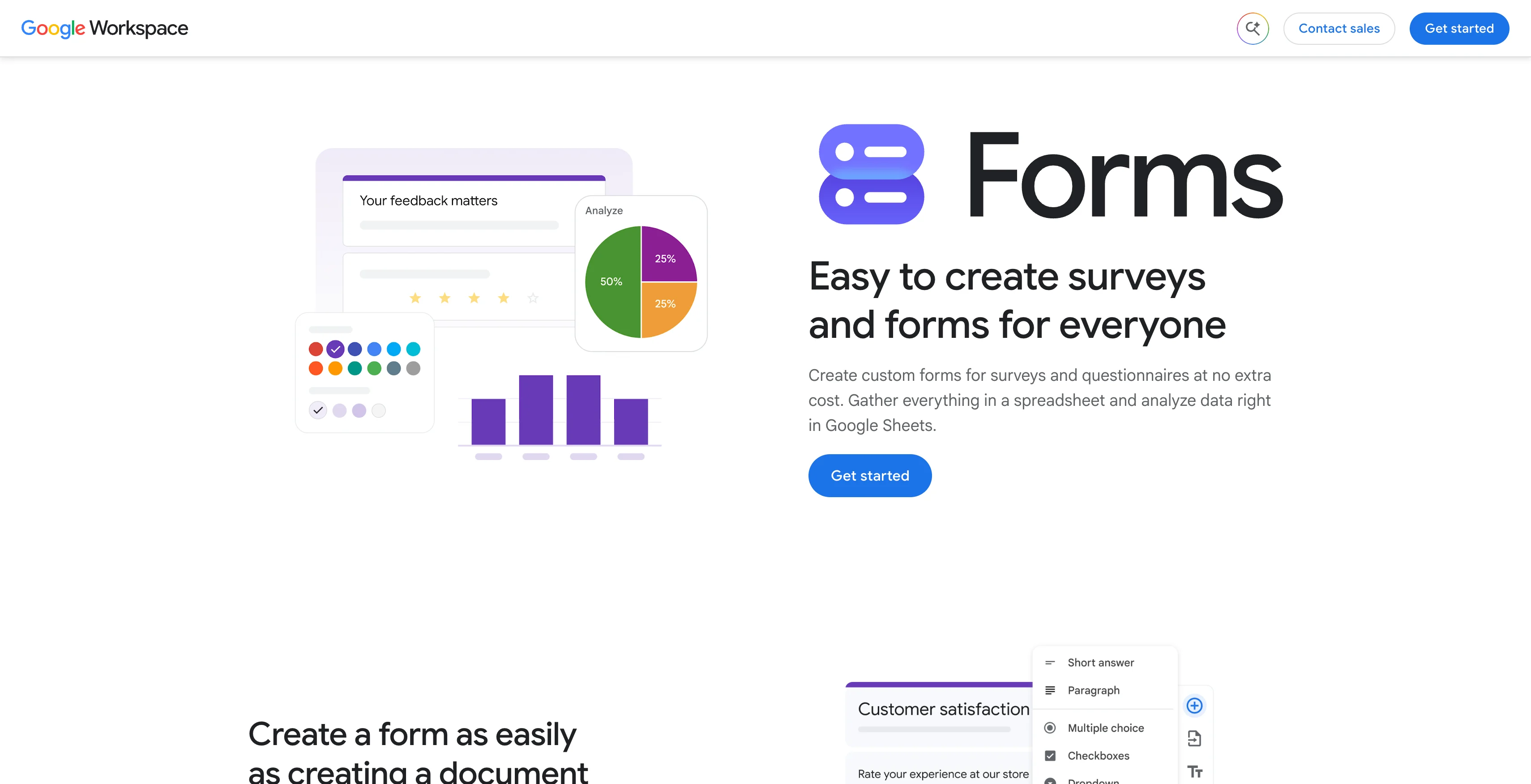
Google Forms is a practical choice when a league needs a simple, free way to collect athlete and parent information.
One benefit is familiarity. Many families have used Google Forms before, so they may already feel comfortable completing a form online. The forms are also easy for league administrators to create and customize without technical experience.
You can add custom questions, adjust colors to match your league's branding, and review responses in a summary, by question, or individually. Google Forms also supports integrations through the Google Workspace Marketplace, which can extend its functionality.
Google Forms works best for smaller leagues that only need to collect registration information. It becomes more limiting when a league needs to collect payments, manage team assignments, or handle other administrative tasks. Features like team communication and background checks require additional tools, which can mean more work for volunteers to manage separate systems.
Jotform for sports registration
Jotform is a good choice for when a league needs more customization and functionality than a basic form builder can offer.
One benefit of Jotform is its flexibility. League administrators can start with a sports registration template or build a form from scratch, adding the questions and fields they need to collect athlete and parent information.
You can customize your form with your league's branding, use conditional logic to show questions based on previous answers, collect registration fees through payment integrations, and organize responses in Jotform Tables. Jotform also offers integrations with other tools to help automate administrative tasks.
Jotform works well for leagues that need a customizable registration form with built-in payment collection. However, it is still primarily a form builder rather than a sports league management platform. Features like team assignments, scheduling, team communication and background checks may require additional tools, leaving volunteers to manage different parts of the registration process across separate systems.
Sports registration software for leagues and clubs
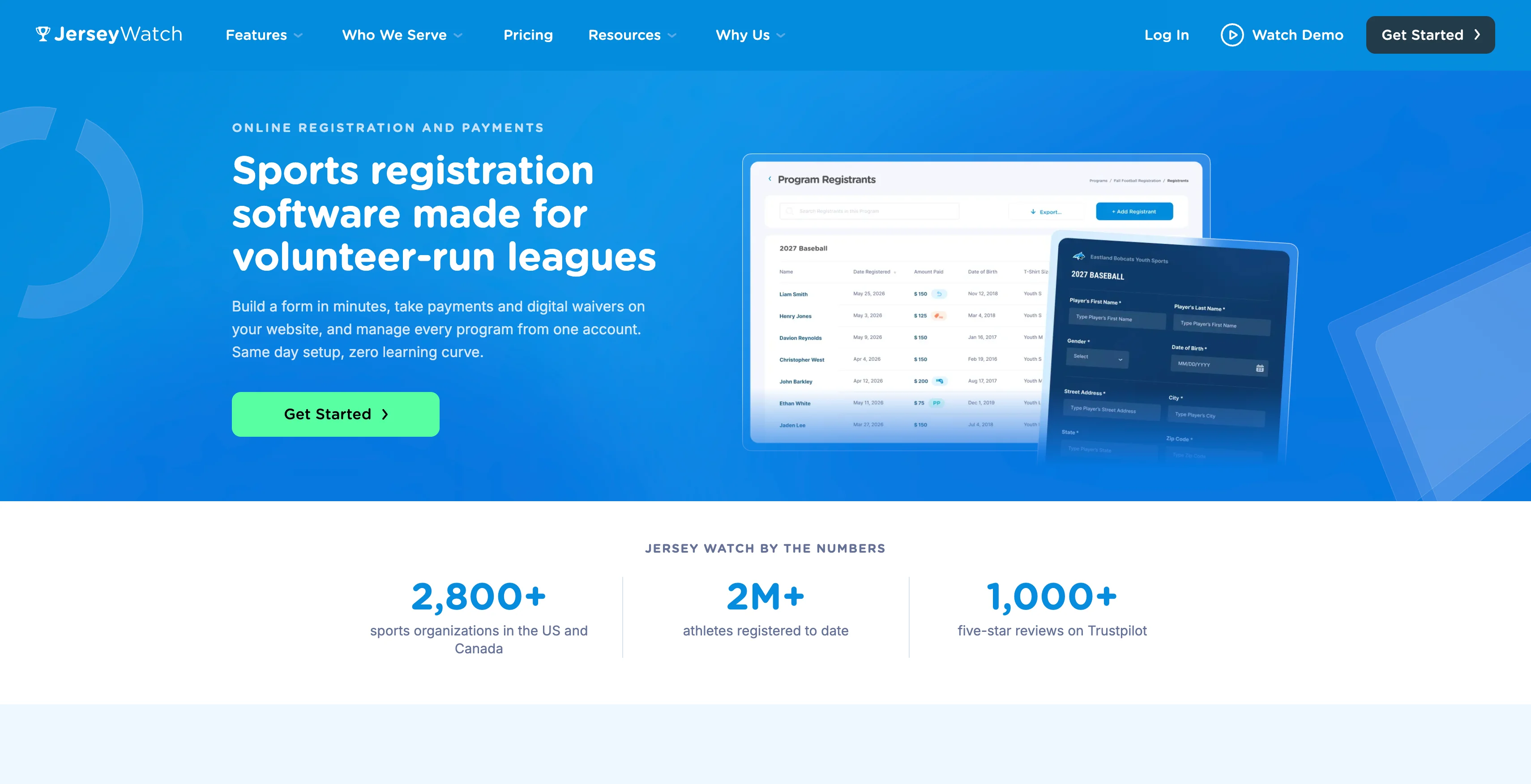
Sports registration software is a good choice when a league needs more than a form to collect athlete information. It combines online registration, payment collection, and registrant management to help organizations simplify the process for families and volunteers.
One benefit of sports registration software is that registration information and payments stay organized in one place. Instead of tracking submissions in a spreadsheet and matching payments manually, administrators can manage registrants, monitor payment status, and access athlete information throughout the season.
Platforms like Jersey Watch offer customizable registration forms, digital waivers, payment plans, multi-registrant discounts, and tools to organize registrants and create teams. Jersey Watch also combines registration with a website builder, scheduling, communication and more, so volunteers can manage more of their responsibilities without switching between separate tools.
How much do Google Forms, Jotform, and registration software cost?
The overall cost of each platform is more than just the sticker price. Sometimes the cheapest way to build a form isn’t always the cheapest way to run registration from start to finish. This comparison table looks at subscription price plus other features a league needs to register athletes.
Google Forms | Jotform | Jersey Watch | |
|---|---|---|---|
Price | Free to use | Annual prices range from $0 to $1,188 per year. Enterprise plans are quote-based | Test it for free then pay $19 for your first month. After that, $348 for the year. |
What the price covers | Customizable form and responses via spreadsheet | All plans include forms, submission storage, payments and documents. Quantities of each vary on plan. | Custom website, registration, payments, messages, scheduling, background checks and fundraising tools |
Collecting registration fees | Not included, requires a third party add-on | Included. Monthly limits are determined by plan and processing fees depend on integration. | Included. Processing fees for paid forms are 3.5% + $1 |
How many responses | Unlimited | Monthly submission amount depends on plan | Unlimited |
Nonprofit or school discount | N/A | Discounts range from 30% to 50% on specific plans. | Pricing made for nonprofits in mind, no additional discount |
Which registration tool is easiest for volunteers to manage?
For volunteers, easy means more than building a form. It means knowing who registered, who paid, what information is missing, and how to organize athletes without doing the work twice.
Google Forms works well when you just need to collect information. Jotform gives you more control over form fields and payment collection. Sports registration software brings registration records, payments, and other league management tasks together in one place.
Imagine opening day is approaching. You need to confirm registrations, check who has paid, pull a list of athletes in a specific age group, and assign those athletes to teams. With a basic form, that can mean juggling a spreadsheet, a payment report, and a separate team list. With sports registration software, you can manage these tasks using the same registration records.
The best fit depends on the size of your league, how many programs you run, and how much time your volunteers have to manage them. More features aren't always better, but the right tools can help your board spend less time on administrative work and more time supporting your athletes.
When should your league switch to registration software?
Consider registration software when the work after sign-up takes more time than collecting the information in the first place.
Common signs include matching payments by hand, tracking down missing waivers, maintaining multiple spreadsheets, entering the same information into different tools, and assigning athletes to teams from an exported list. It gets even harder when only one volunteer knows which spreadsheet has the most up-to-date information.
That workload grows as more families register or multiple programs run at the same time. Switching to new software takes some setup, though, and a small single team with a straightforward registration process may not need it yet.
Compare the time spent on repetitive tasks, along with the cost of missed payments or incomplete forms, against the price of software that keeps registration records and payments organized in one place. If collecting information is the whole job, a free form may still be the best fit.
How to choose the right registration tool for your league
Before choosing a tool, compare what each option offers and what it will cost your league. Look at payment processing fees, form customization, data management, and whether you'll need additional tools for tasks like team assignments and communication.
Think about the experience on both sides: How easy is it for families to register, and how easily can volunteers access and manage the information afterward? The right tool should fit your league's budget, work with your existing processes, and give you the features you need without adding unnecessary complexity.
Run your season with Jersey Watch
For volunteer-run leagues that need more than a form, Jersey Watch combines a website and online registration with tools to manage the season. You can collect registrations and payments, share league information, communicate with families, manage schedules, and organize teams in one place.
Try Jersey Watch for free and see how easy it is to build a custom registration form, collect payments and sort registrants into teams.
FAQs
Is Google Forms free for a youth sports league?
Yes. Google Forms are free to use and there isn't a paid plan option. All you need to get started in a Google account. Google Forms does have integrations with Google Workspace which may include optional, paid features like payment collection.
How much does Jotform cost for league registration?
Jotform has plans ranging from free to use to $1,188, when paid annually. In addition, they offer a quote-based Enterprise plan and discounts for nonprofit organizations and schools. For the most up to date pricing and to see what's all included, visit the Jotform pricing page.
When should a league stop using a free form?
Consider stopping when the work after sign-up takes more time than collecting the information in the first place. If just collecting athlete and parent information is enough, a free form is often sufficient.
How much does Jersey Watch cost?
Create an account for free to explore all product features. When you’re ready to launch, get your first month for just $19, including full-service website and online registration setup from the Customer Care team. After the first month, pay $348 to keep your website and registration for the year.
Can we start on a form and move to registration software later?
Yes. A form and registration software do different jobs, and you can switch when the form is no longer enough. If you already have a league or club website, Jersey Watch moves that content over at no extra cost, within one business day. Learn more about switching to Jersey Watch.

Tim GusweilerCo-Founder / CEO
Tim is the Co-Founder of Jersey Watch, where he works with the product, marketing, and customer support teams to build software for youth sports organizations. He writes about youth sports management based on years of experience working with league administrators, coaches, and volunteers, along with a lifelong passion for sports.


