Best Sports Team Management Software for League Volunteers

Tim Gusweiler Last updated: October 14, 2026
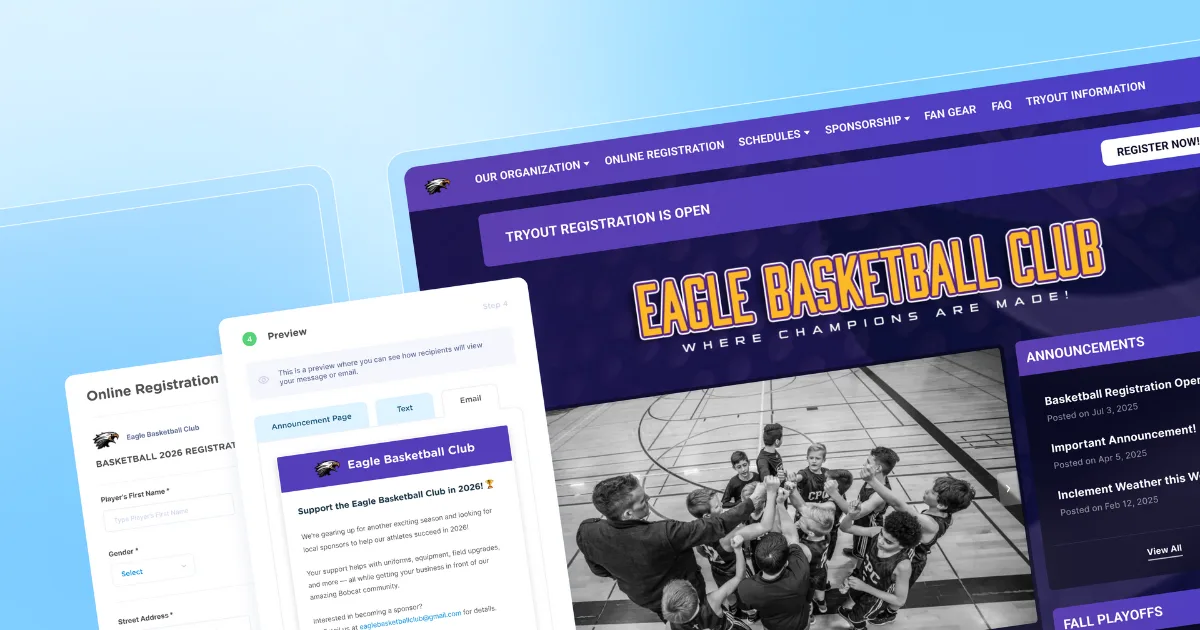
If you're a league volunteer juggling everything from team registration to payments between a full-time job and a coaching shift, the right team management software can make the administrative side of a season feel manageable. The wrong one just adds more tabs to your browser.
This comparison covers 10 platforms that can help give you a smoother season and walks through pricing, standout features, and who each tool is best suited for.

What is sports team management software?
Sports team management software is a platform that provides volunteers with a unified system to handle registration, payments, scheduling, communication, and team rosters within a program.
Youth sports participation among kids ages 6–17 rose to 55.4% in 2023, up from 53.8% the year before, with continued growth reported in 2024, according to the Aspen Institute's State of Play 2025. More kids playing means more volunteers managing more participants each season. Team management software exists to handle that workload, so the person running sign-ups and sending schedule updates doesn't also need a spreadsheet for every moving part.
Which features matter when comparing team-level management software?
Four workflows matter most for volunteer-run programs: registration and payments, a website for schedules and updates, calendar syncing and family communication.
A gap in any one of them creates extra manual work during the preseason crunch time, so it's worth comparing platforms across all four features rather than picking based on any single feature.
Registration and payment collection
Team management starts with a clean, reliable registration record. Once families sign up and pay online, that data becomes the foundation for building rosters, posting schedules, and later reaching parents.
Picture a parent submitting their child's age group, uniform size, signed waiver, and season fee from a phone during halftime of another game. That single entry means the volunteer commissioner never has to retype it before creating teams. Secure, mobile-friendly forms and built-in payment collection cut out paper and cash handling entirely.
A website for schedules, registration, and updates
A mobile-friendly website gives families one dependable place to find everything they need for the season, instead of hunting through old emails or texts. A good team website should hold registration and payment links, current schedules, and team announcements, and it should update automatically as schedules and rosters change.
That last part matters more than it sounds. A parent sitting in the parking lot before Saturday's game, unsure whether the field changed, shouldn't have to scroll through group texts to find out. They should be able to pull up the team site and see the answer on the homepage.
Posting schedules and syncing calendars
The best scheduling tools let you post a change once and trust it reaches everyone, instead of sending the same text five times. Look for recurring practice slots that don't need to be re-entered each week, plus one-click updates for changes.
When Saturday's game gets rained out, a volunteer should be able to update the schedule once and have the new time sync automatically to every family's calendar. RSVPs and availability tracking are nice extras, but most leagues care more about everyone simply knowing where and when to show up.
Parent and player communication tools
Good communication tools keep every announcement in one place and help volunteers follow smart, age-appropriate practices when messaging minor athletes. Look for email and text updates, plus the ability to target specific groups instead of blasting everyone.
A Saturday storm cancels the U10 Lions game, but the rest of the league is still playing. You want to reach those families specifically, not send a panic text to every parent across every age group. Families should also be able to check messages easily, without having to dig through old threads.
Best sports team management software
Here are 10 platforms worth a closer look. As you evaluate, remember to weigh every option against your team count, volunteer capacity, budget, and the amount of setup effort you're realistically willing to take on.
Note: This comparison covers individual teams within a program, not standings or division-wide work. Club and league readers should check out our club software guide or league software guide.
Platform | Pricing | Best For | Standout Feature | Team Grouping |
Jersey Watch | $19 first month, then $348/year, billed annually | Volunteer-run leagues | All-in-one registration and website | Manual |
Stack Team App | Free with ads | Budget-conscious teams | Custom mobile app | N/A |
TeamLinkt | Free core plan; paid bundles from $425/year | Larger Rec Orgs / Parks & Rec Programs | AI-powered rostering | Automated |
PlayMetrics | Custom quote | Competitive clubs & academies | Club operating system | Manual |
TeamSnap ONE | Custom quote | Clubs and leagues | Rule-based rostering | Automated/manual |
SportsEngine | Custom quote | Large associations | Rostering tool | Automated |
MonClubSportif | Starts at CA$8/month | Bilingual clubs | Multilingual support | Drag-and-drop |
Teamer | Free | Single teams | Availability tracking | N/A |
SquadFusion | Custom quote | Growing leagues | Smart Rosters | Automated/manual |
Heja | Team Pro from $8.33/month per team | Single teams | Attendance and messaging | N/A |
Jersey Watch
Best for: Volunteer-run programs that want a simple way to turn registrations into rosters without setting up automated grouping rules.
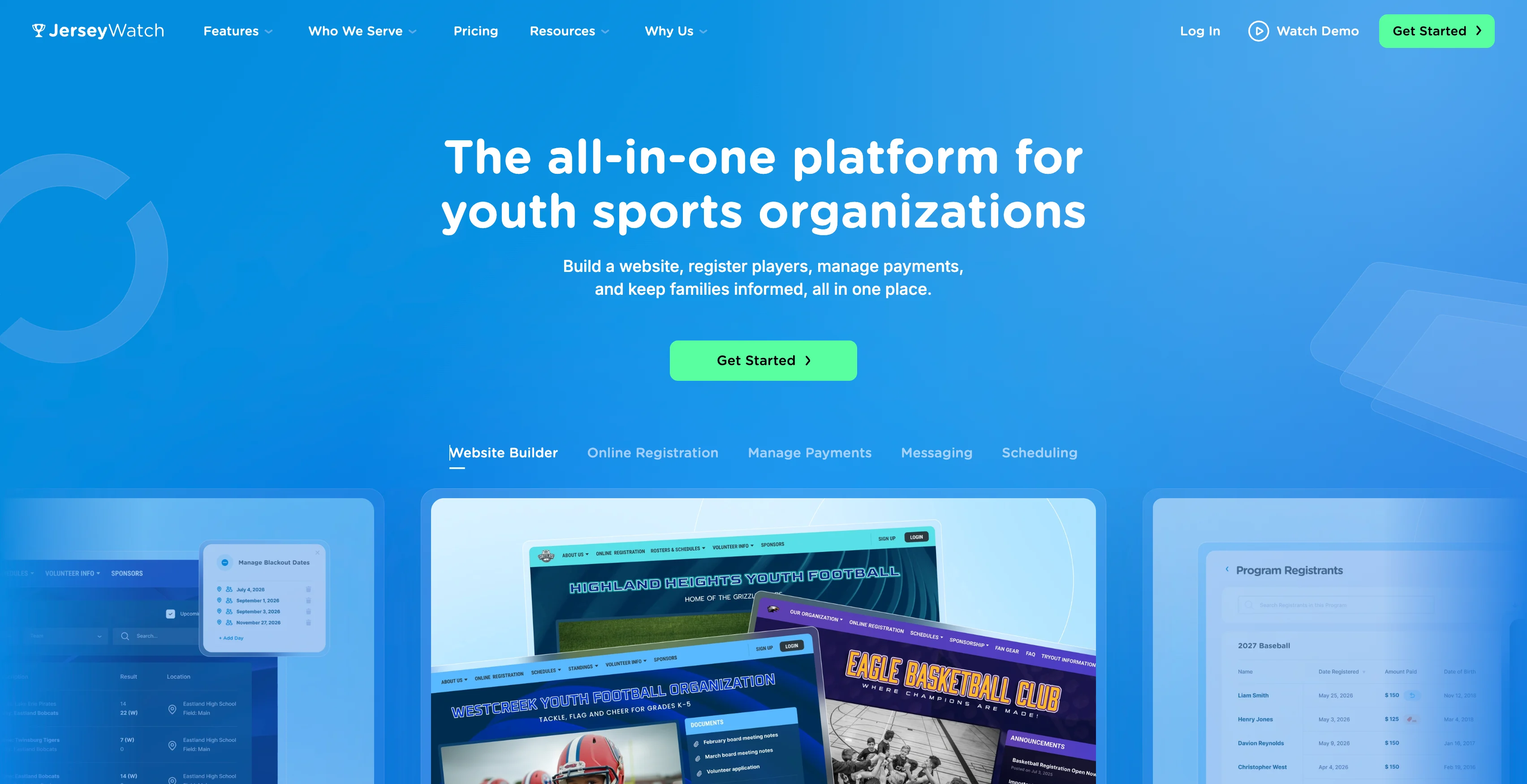
Jersey Watch covers registration, payments, a website, schedules, text and email communication, custom domains, design help, and content migration support, backed by responsive customer support.
Team grouping: Create teams during or after registration, assign registrants to teams and share rosters with coaches and other admin. Team assignments are created manually and can be done by hand selecting athletes, bulk assigning via filters or through random selection.
Pros: Transparent flat-rate pricing; no long-term contract; quick setup; award-winning customer support; covers registration, website, payments, scheduling, and communication in one platform.
Cons: Rule-based team sorting isn't available in the initial grouping release.
Pricing: $19 for month one, then $348 billed annually, plus 3.5% + $1 per transaction.
Stack Team App
Best for: Travel teams that want a branded mobile app for communication instead of juggling group texts and email chains.
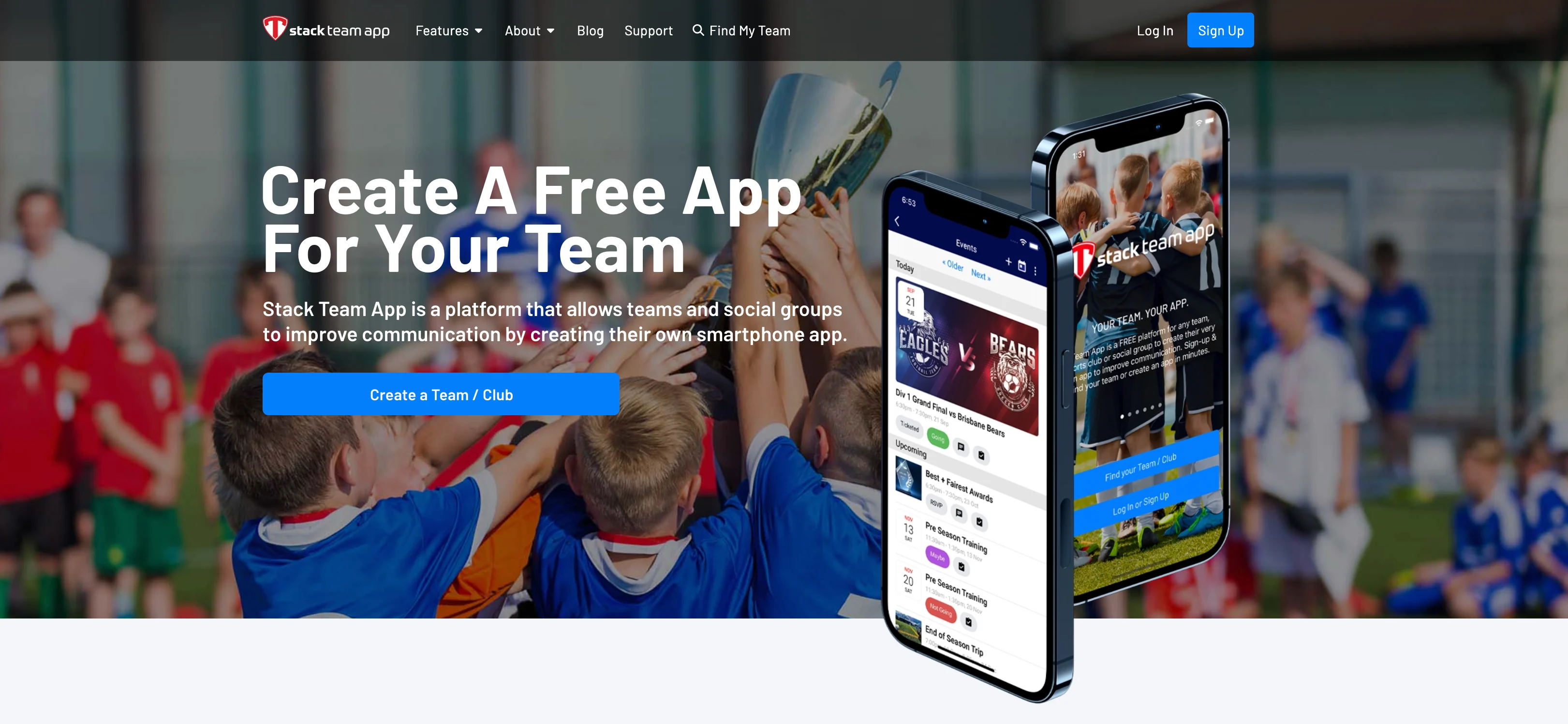
Stack Team App lets clubs build a custom app under their own colors and logo, with team chats, event updates, shared documents, and live scores all in one place. The free version is ad-supported, and paid options let you remove ads or add more customization.
Team grouping: N/A
Pros: Free entry point; highly customizable branded experience; strong communication tools for single teams and clubs.
Cons: Better as a communication companion than a full registration and roster-building platform; not a fit if post-registration team grouping is a priority.
Pricing: Free with ads; paid plans available for ad removal and additional customization.
TeamLinkt
Best for: Organizations that want free core league tools plus AI-assisted rostering after registration closes.
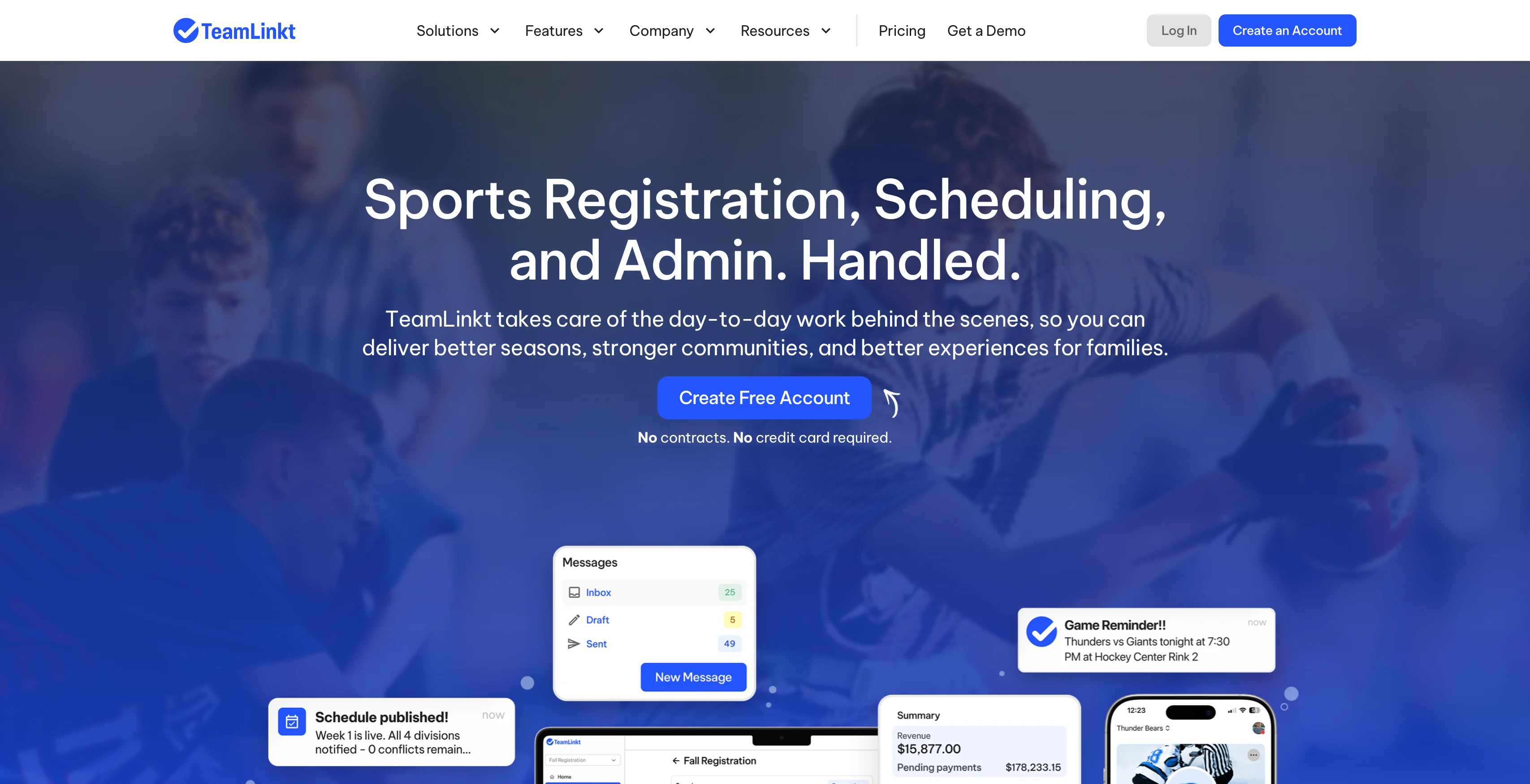
TeamLinkt's AI Rostering feature can group registered participants into teams by criteria like position, grade, or skill level, so commissioners aren't dragging each player into place by hand. Core tools including scheduling, registration, website builder, and the team app are free.
Team grouping: Automated (AI-assisted sorting by configurable criteria).
Pros: Free core plan; AI-assisted rostering; built-in scheduling and registration.
Cons: Some features and support options are tied to paid bundles; the free tier is ad-supported.
Pricing: Free core plan; paid bundles start at $425/year (Core + Operations or Core + Revenue); Full Platform bundle is $795/year.
PlayMetrics
Best for: Multi-team clubs that want registration, roster building, and coaching tools in one platform.
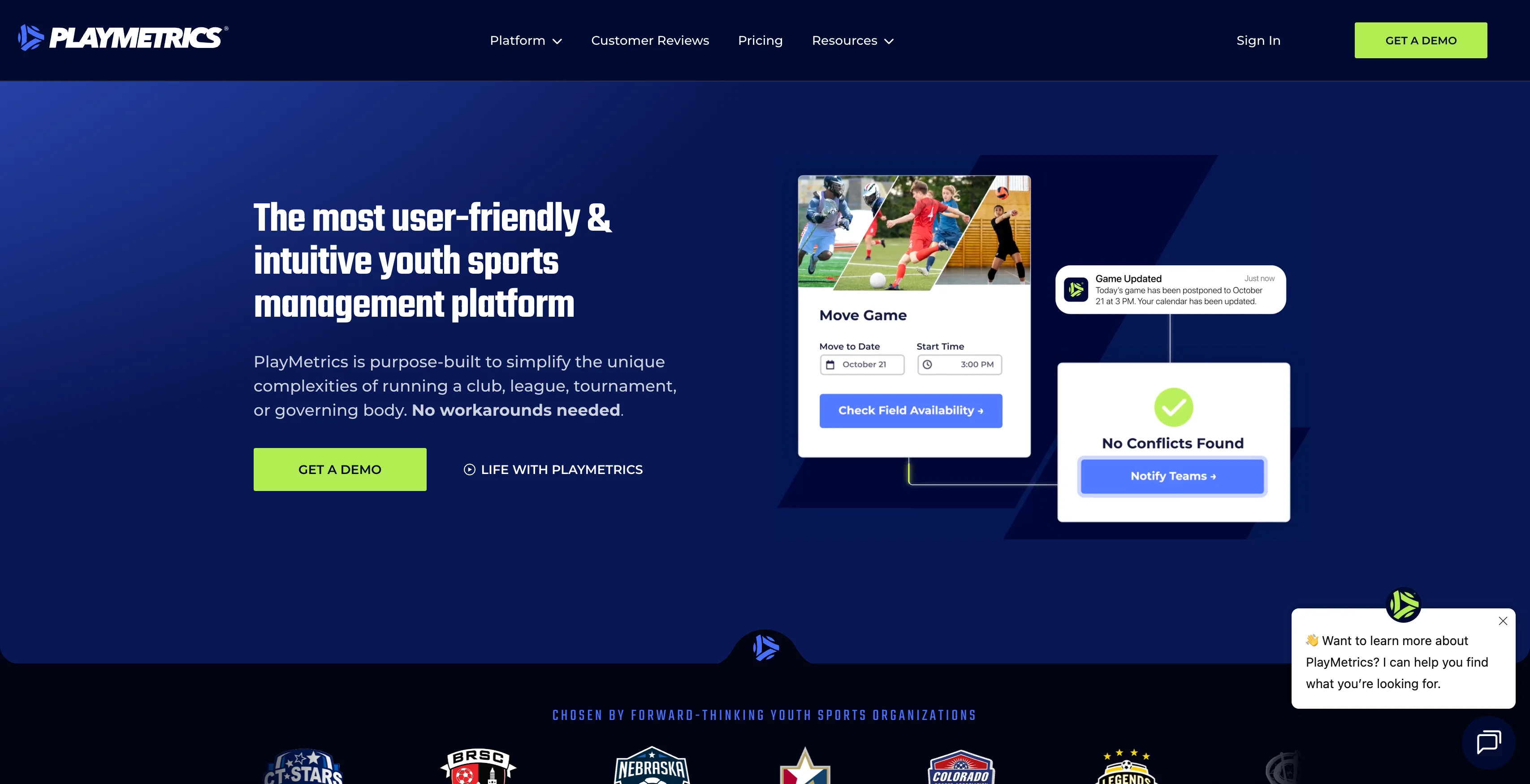
PlayMetrics serves as a full club operating system covering registration, payments, scheduling, communication, coaching curriculum resources, and team management. Directors can allocate rosters and assign players to teams after registration closes. The platform has a learning curve as you work through everything it offers, but it's built for clubs running multiple teams across multiple age groups.
Team grouping: Manual (directors assign players to teams after registration closes).
Pros: Comprehensive club management in one platform; coaching tools go beyond what most competitors offer; strong for organizations with paid staff.
Cons: Learning curve; pricing isn't published and requires a direct quote.
Pricing: Custom, quote-based.
TeamSnap ONE
Best for: Clubs and leagues that want both automated and manual rostering options alongside a full suite of registration, communication, and scheduling tools.
TeamSnap ONE gives admins two paths for building rosters after registration. You can set automatic rostering rules on the registration form so players sort into teams based on answers like age group or skill level, or skip the rules and manually drag individual players between teams.
Team grouping: Automated or manual (admin's choice).
Pros: Registration, payments, scheduling, communication, and website tools in one platform; flexible rostering options; live streaming built into the app.
Cons: Existing single-team accounts can't self-upgrade; club and league reps have to go through TeamSnap's sales process; organizations migrating from the older Clubs & Leagues platform need to set up new payment-processing accounts; historical balances and credits don't carry over automatically.
Pricing: Custom, quote-based.
SportsEngine
Best for: Larger associations that need a comprehensive system for registration, a public website, mobile access, background checks, and team assignments across many teams.
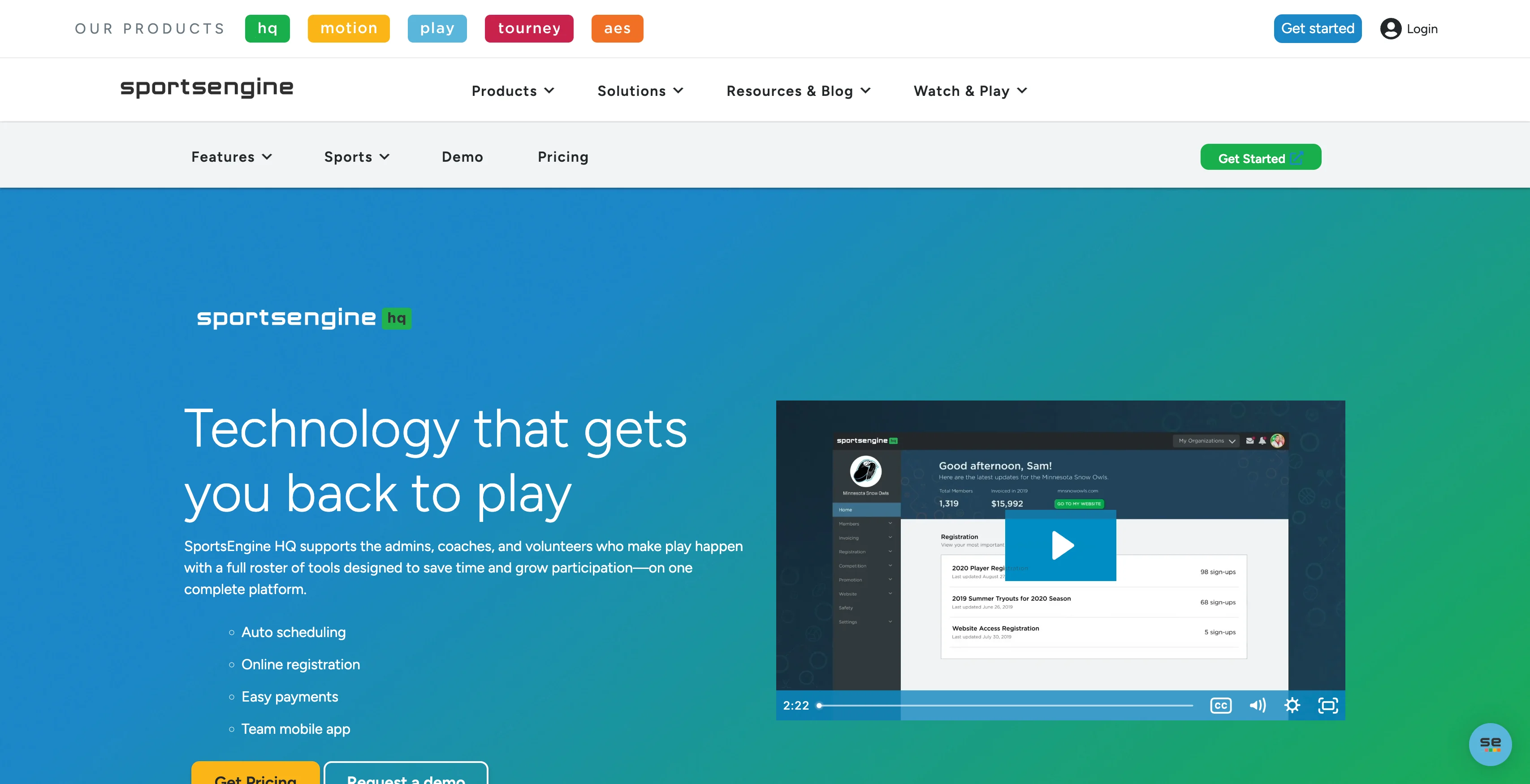
SportsEngine's Rostering Tool assigns players and staff to teams once registration closes, so a regional association can sort hundreds of participants across dozens of teams without spreadsheets. That depth comes with tradeoffs: the platform can feel heavy for smaller all-volunteer boards without dedicated admin support.
Team grouping: Automated.
Pros: One of the most comprehensive platforms in the category; strong for large associations with dedicated administrative staff.
Cons: Setup and pricing can feel heavy for smaller volunteer-run programs.
Pricing: Confirm current pricing directly with SportsEngine for your organization's size.
MonClubSportif
Best for: Clubs that need bilingual or multilingual support, especially organizations serving French- and English-speaking families in Canada.
After registration closes, administrators can assign players to rosters via drag-and-drop, moving names directly between teams rather than through a spreadsheet. The platform also covers scheduling, attendance alerts, financial tracking, health information storage, evaluations, and document storage.
Team grouping: Drag-and-drop manual assignment.
Pros: Best-in-class bilingual support; well-rounded feature set for clubs that need more than just communication.
Cons: Less name recognition outside Canada.
Pricing: Starts at CA$8/month per team.
Teamer
Best for: Single teams that need availability tracking, event planning, small payment collection, and quick messaging in a free app.
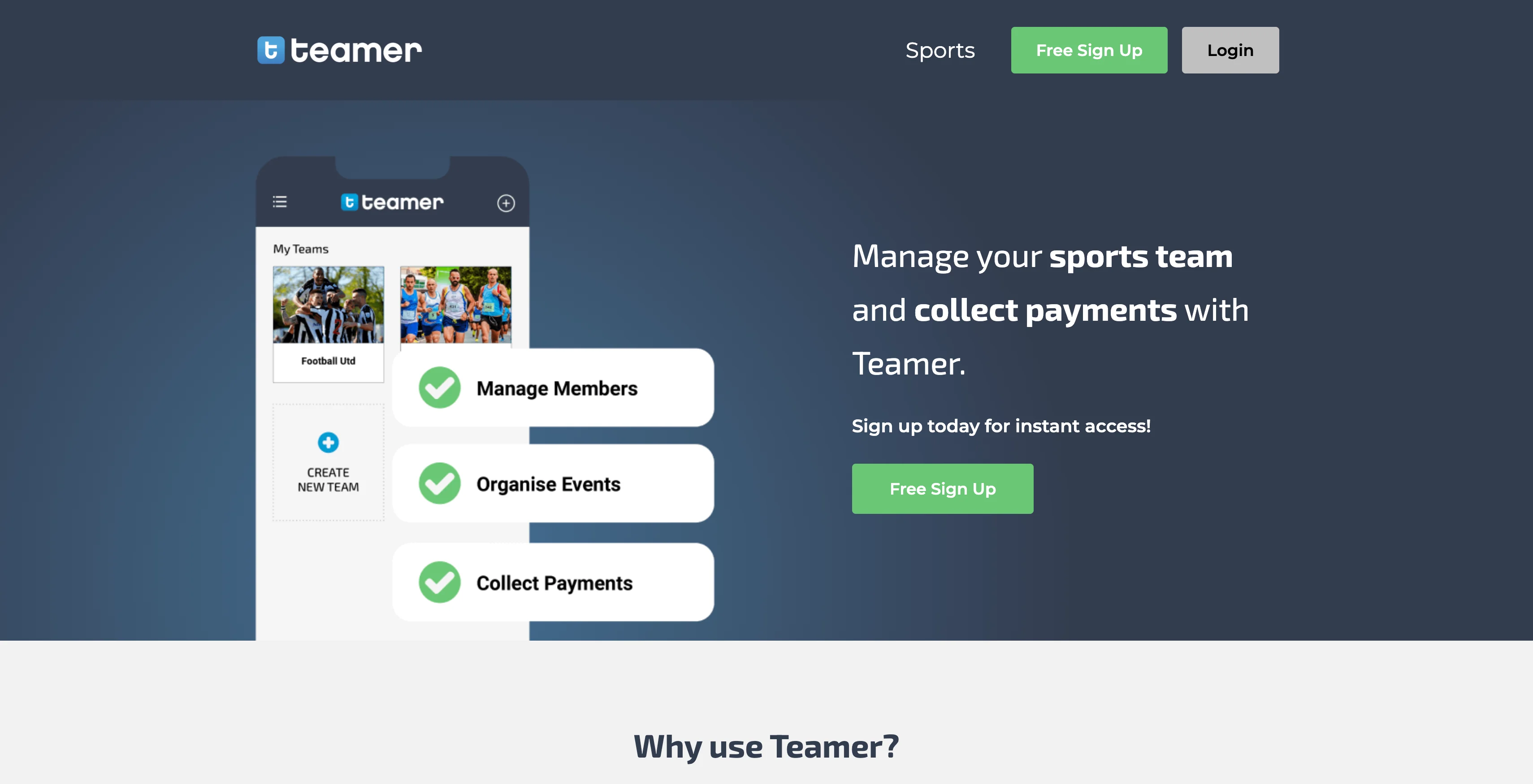
Teamer keeps things simple: coaches create events, players and parents confirm attendance, and everyone stays in the loop through the platform rather than scattered group texts. Teamer isn't built to sort a registration pool across multiple rosters, so it's a poor fit once an organization grows past one team.
Team grouping: N/A (not built for multi-team registration or roster building).
Pros: Free for basic use; easy to set up; strong availability tracking and messaging for a single team.
Cons: No registration or multi-team roster-building capability; not a fit for programs managing more than one team.
Pricing: Free for basic use; premium add-ons available for features like advanced payments.
SquadFusion
Best for: Growing leagues and clubs that want automated pre-sorting right after registration closes, with the option to adjust manually before finalizing rosters.
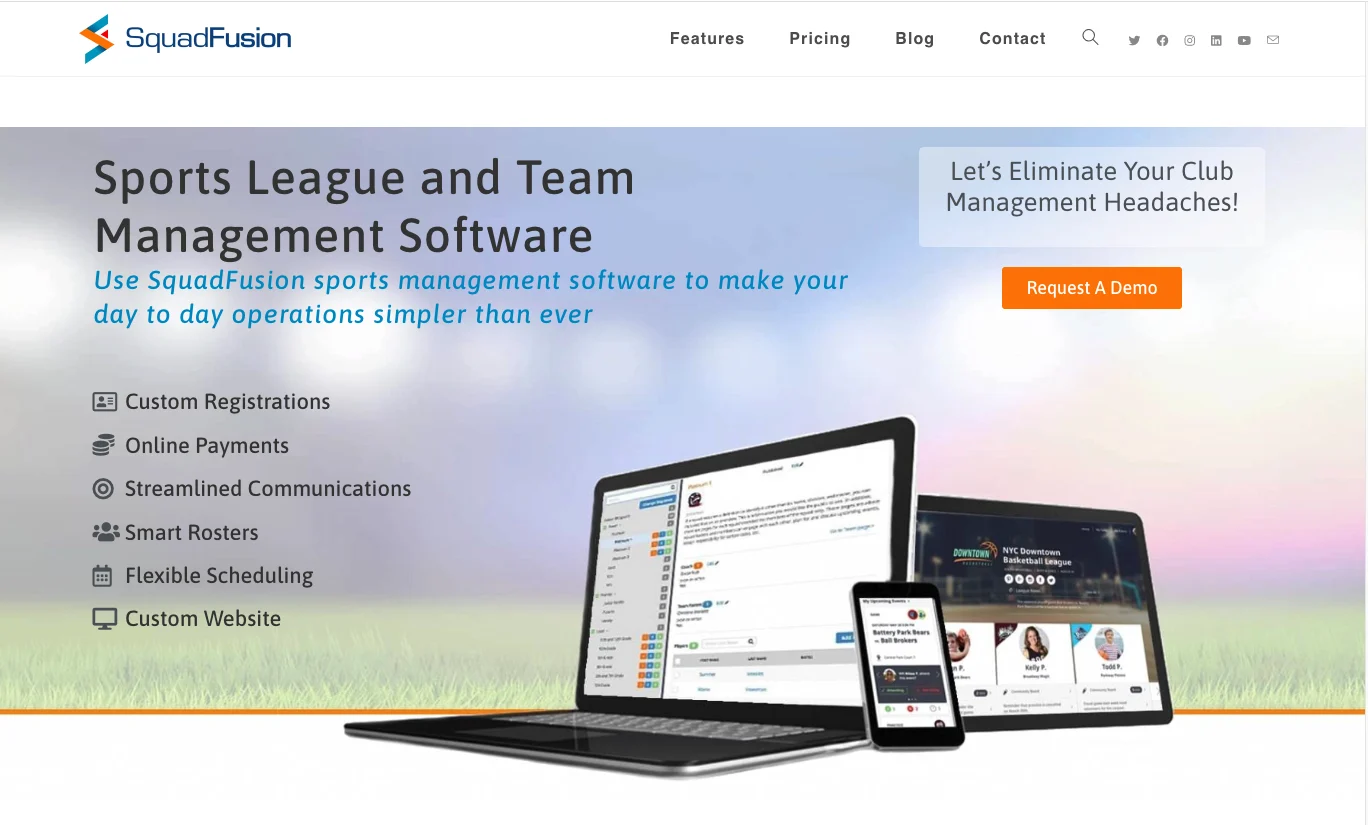
SquadFusion's Smart Rosters feature pre-sorts your registration pool automatically, then lets you decide whether to let the system finalize teams or step in and make adjustments manually. The initial configuration takes time to set up, but once it's running, roster building moves quickly.
Team grouping: Automated with manual override.
Pros: Flexible rostering; solid website and communication tools; customizable registration setup.
Cons: Initial configuration requires upfront time investment.
Pricing: Custom, quote-based.
Heja
Best for: Single teams that need a free, straightforward app for attendance tracking, scheduling, and parent communication.
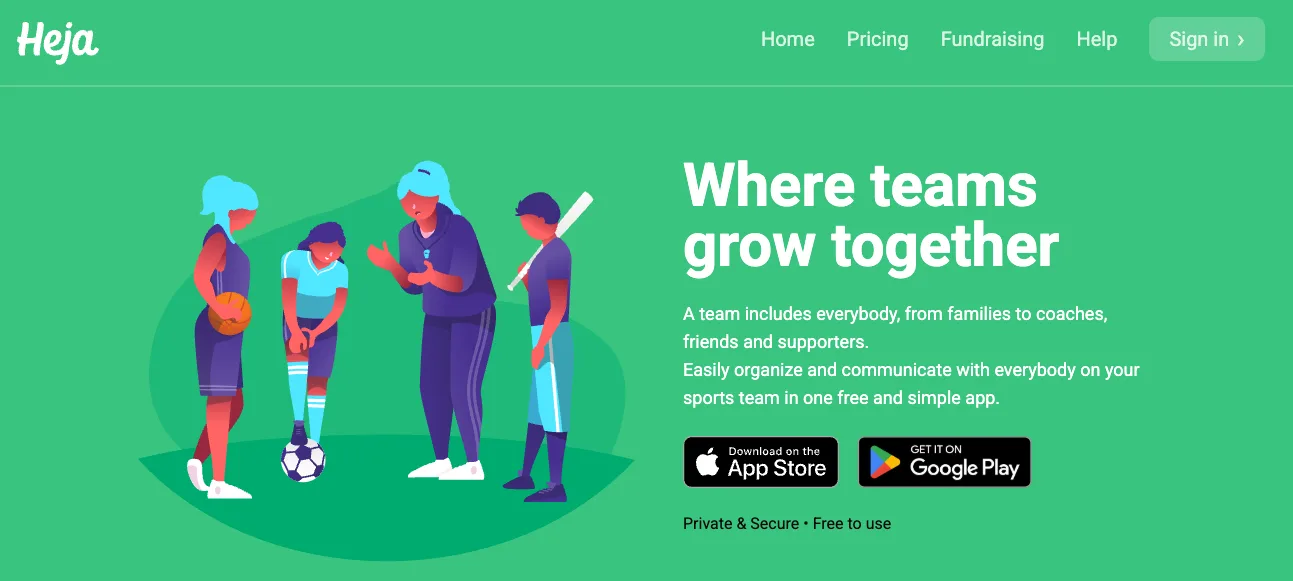
Heja is free for coaches, parents, and players, and supports teams of any size on the free tier. Paid tiers add club-wide messaging, attendance stats, desktop access, and an ad-free experience, priced per team.
Team grouping: N/A (Heja focuses on running one team well; it's not built for sorting a multi-team registration pool).
Pros: Free core plan; simple to set up; strong day-to-day communication and attendance tools for a single team; affordable per-team upgrade path for clubs.
Cons: Scoped to single-team coordination; not a fit for programs that need to assign registrants across multiple teams.
Pricing: Free for coaches, parents, and players; Team Pro starts at $8.33/month per team; Team Pro Max adds an ad-free experience for all team members.
Choosing software for next season
The right platform depends less on feature lists and more on what your volunteers will actually keep using once the season gets hectic. A travel team juggling three age groups doesn't need the most powerful option on the market. It needs one where the registrar isn't rebuilding rosters in a spreadsheet at 11pm, where parents can find the schedule without texting the coach, and where a field change takes one update instead of five.
Jersey Watch is built for exactly this kind of volunteer-run program: quick to set up, transparent pricing, and support that actually picks up. Try Jersey Watch for free and see how it fits your program before next season starts.
FAQs
What is the best app for managing a youth sports team?
The best app combines registration, payments, scheduling, communication, and roster tools in a format that volunteers can use without technical training. A professional website and a simple way to build teams from registered players can also reduce the need for separate spreadsheets and group texts. The right choice should fit the program's size, budget, and volunteer capacity rather than offering enterprise features the team won't use.
What features should sports team management software include?
Sports team management software should include online registration, secure payment collection, scheduling with calendar syncing, parent-friendly communication, and roster-building tools. A mobile-friendly website is also useful because it gives families one place to find forms, schedules, and current updates. For programs with multiple teams, administrators should confirm that registered players can be assigned to teams without rebuilding the roster in a separate spreadsheet.
Can sports team management software group players into teams after registration?
Yes, some sports team management platforms can group registered players into teams after signups close. Workflows vary: some platforms use rules or automated sorting, while others let administrators create named teams and assign players manually from an unassigned pool. Volunteers should compare the setup required for each workflow and confirm that the feature is live, not planned, before choosing a platform.
What is the difference between sports team management software and sports league management software?
Sports team management software focuses on the day-to-day operations of individual teams, including rosters, schedules, payments, and communication for each team within a program. Sports league management software coordinates the structure across the full organization, including standings, inter-team scheduling, divisions, and tournament administration. The right category depends on whether the administrator is running teams individually or managing how the entire league fits together.
Are there free sports team management apps?
Yes, some sports team management apps offer free basic tiers, but those plans may limit the number of players and teams, messaging, advertising controls, registration, payments, or administrative features. A free option can work for a small single team that mainly needs communication and attendance tools. Programs that collect registrations or manage multiple teams should compare paid plan costs, transaction fees, contracts, and feature limits before deciding.

Tim GusweilerCo-Founder / CEO
Tim is the Co-Founder of Jersey Watch, where he works with the product, marketing, and customer support teams to build software for youth sports organizations. He writes about youth sports management based on years of experience working with league administrators, coaches, and volunteers, along with a lifelong passion for sports.


